Top 10 Video Software for PC: Create Amazing Videos in 2023
Introduction: Video content has become a crucial part of our lives. From watching entertainment videos on YouTube to educational videos on platforms like Udemy, we are consuming video content more than ever before. If you're looking to create amazing videos for personal or professional use, you'll need the right video software for your PC. In this article, we'll look at the top 10 video software for PC that you can use to create professional-looking videos in 2023.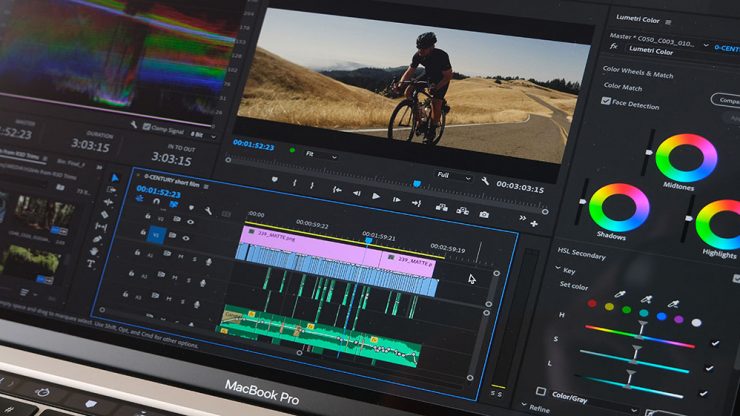
Adobe Premiere Pro: Adobe Premiere Pro is one of the most popular video editing software for PC. It offers a wide range of features that are perfect for professional video editors. With Adobe Premiere Pro, you can create high-quality videos with stunning effects, color grading, and audio editing. The software also offers collaboration tools that allow you to work with multiple editors on the same project.
Adobe Premiere Pro is a professional-level video editing software that offers advanced features such as color grading, audio editing, and collaboration tools. It may take some time to learn how to use all the features, but once you do, you can create high-quality videos with stunning effects.
Paid or Free : Adobe Premiere Pro - Paid subscription model with a monthly or yearly fee.
Tutorial Link : Adobe Premiere Pro - Adobe offers a wide range of tutorials and training resources on their website, including beginner tutorials and more advanced courses. You can find these resources here: https://helpx.adobe.com/premiere-pro/tutorials.html
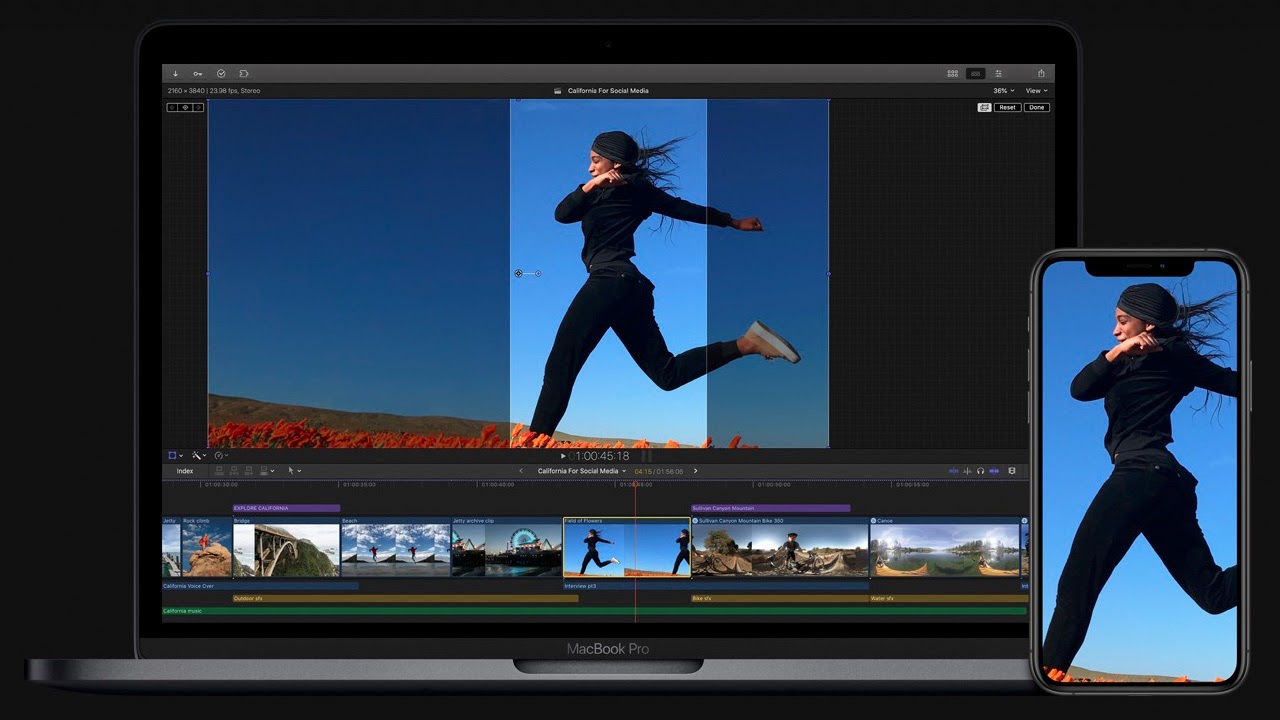
Final Cut Pro: Final Cut Pro is another popular video editing software that's widely used in the industry. It's exclusive to Mac users and offers a range of features for professional video editing. With Final Cut Pro, you can create stunning videos with 360-degree VR and HDR support.
Final Cut Pro: Final Cut Pro is another professional-level video editing software that's exclusive to Mac users. It offers advanced features such as 360-degree VR and HDR support, making it perfect for professionals. However, it may not be as easy to use for beginners.
Paid or Free : Final Cut Pro - Paid software with a one-time purchase price.
Tutorial Link : Final Cut Pro - Apple offers a range of tutorials and training resources for Final Cut Pro on their website. You can find these resources here: https://www.apple.com/final-cut-pro/resources/
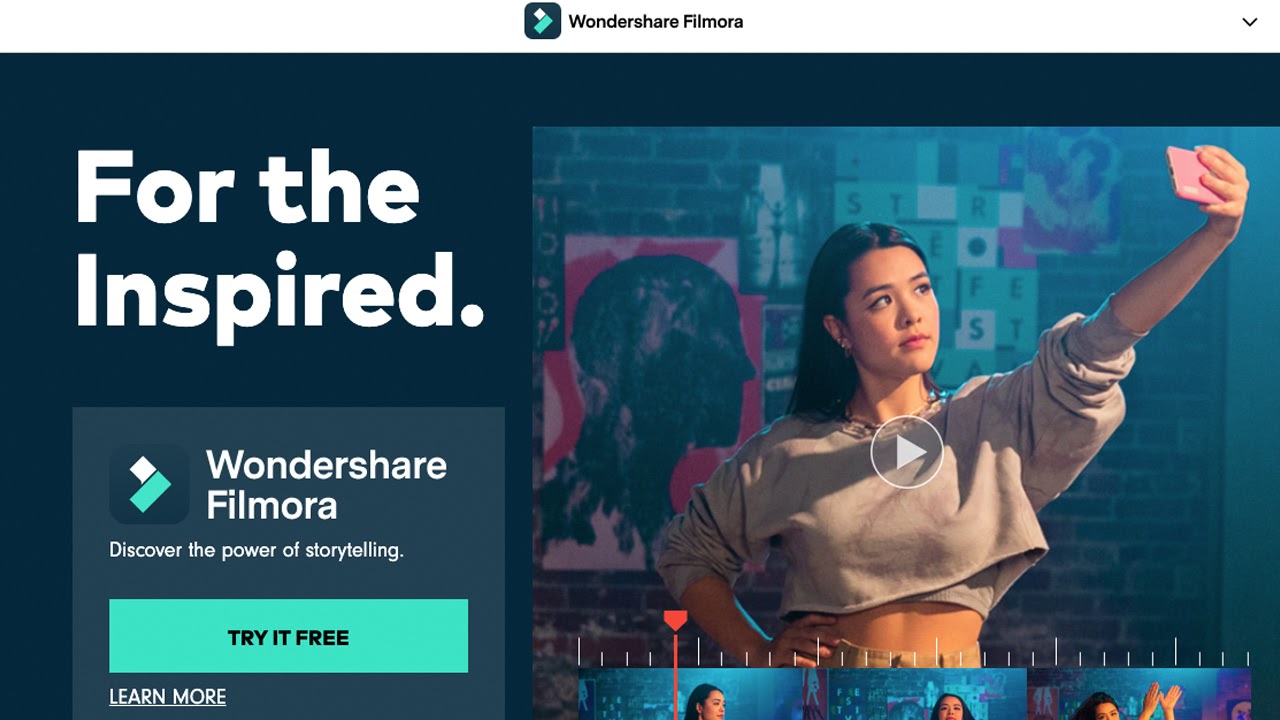
Filmora: Filmora is a beginner-friendly video editing software that offers a range of features for creating amazing videos. With Filmora, you can easily edit your videos, add music, and apply various effects and filters to make your videos stand out. It also offers a range of templates that you can use to create professional-looking videos in no time.
Filmora: Filmora is a beginner-friendly video editing software that offers basic features such as video trimming, adding music, and applying various effects and filters. It's perfect for beginners who want to create simple videos without having to learn advanced features.
Paid or Free : Filmora - Freemium model with a free version that has limited features, and a paid version that unlocks all features.
Tutorial Link : Filmora - Wondershare, the developer of Filmora, offers tutorials and resources on their website. You can find these resources here: https://filmora.wondershare.com/guide/
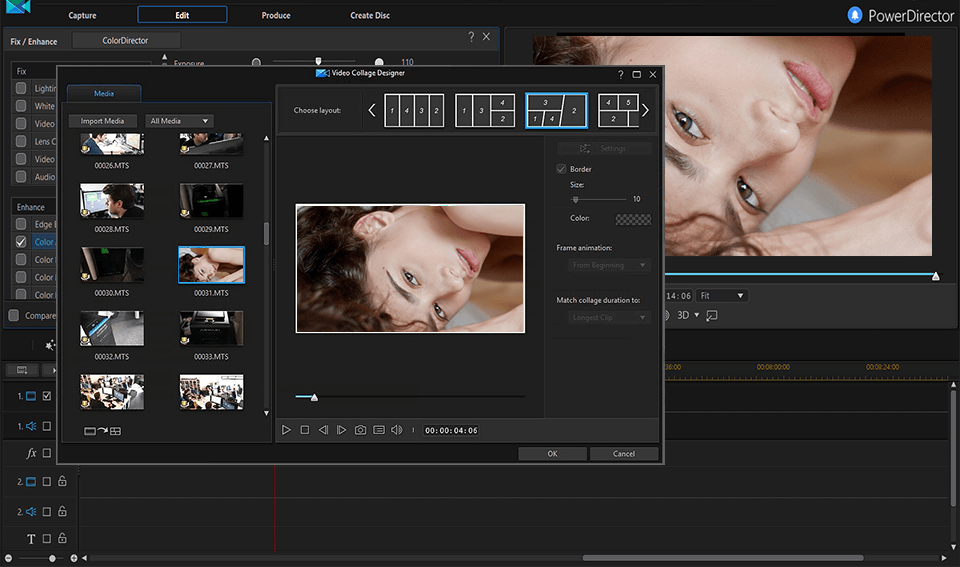
CyberLink PowerDirector: CyberLink PowerDirector is a powerful video editing software that's perfect for creating professional-looking videos. With PowerDirector, you can edit videos in 4K resolution and add stunning effects, transitions, and color grading. The software also offers a range of templates that you can use to create videos quickly.
CyberLink PowerDirector: CyberLink PowerDirector is a powerful video editing software that's perfect for professionals. It offers advanced features such as 4K resolution editing, visual effects, and color grading. However, it also has a user-friendly interface that makes it easy to use for beginners.
Paid or Free : CyberLink PowerDirector - Paid software with a one-time purchase price.
Tutorial Link : CyberLink PowerDirector - CyberLink offers a range of tutorials and resources on their website, including beginner tutorials and more advanced courses. You can find these resources here: https://www.cyberlink.com/learning/powerdirector-video-editing-software.do
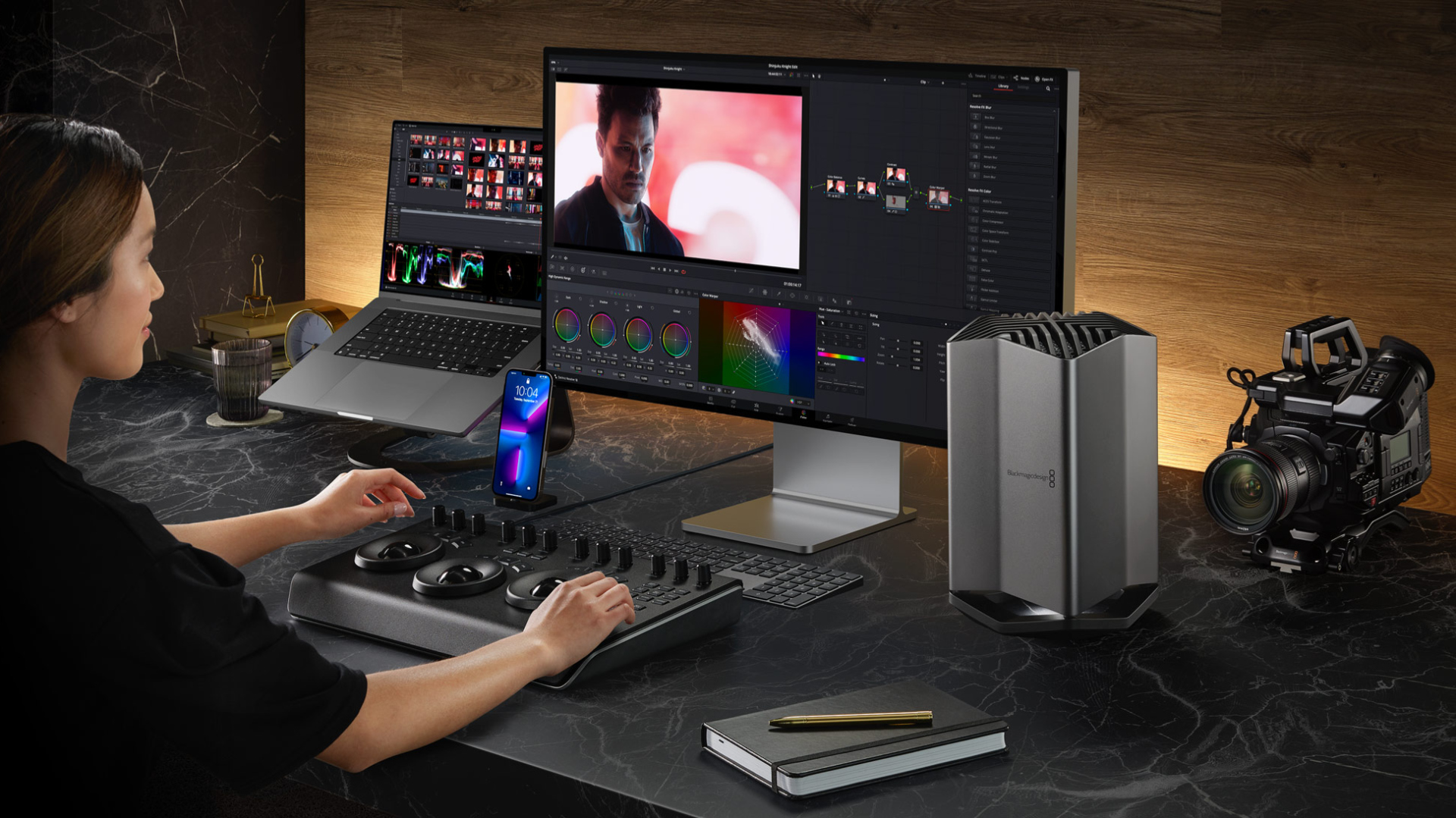
DaVinci Resolve: DaVinci Resolve is a professional video editing software that's used by many Hollywood studios. With DaVinci Resolve, you can create high-quality videos with stunning visual effects, color grading, and audio editing. The software also offers collaboration tools that allow you to work with multiple editors on the same project.
DaVinci Resolve: DaVinci Resolve is a professional-level video editing software that's used by many Hollywood studios. It offers advanced features such as visual effects, color grading, and audio editing. However, it also has a user-friendly interface that makes it easy to use for beginners.
Paid or Free : DaVinci Resolve - Freemium model with a free version that has limited features, and a paid version that unlocks all features.
Tutorial Link : DaVinci Resolve - Blackmagic Design, the developer of DaVinci Resolve, offers a range of tutorials and resources on their website, including beginner tutorials and more advanced courses. You can find these resources here: https://www.blackmagicdesign.com/products/davinciresolve/training

Lightworks: Lightworks is a powerful video editing software that's perfect for creating professional-looking videos. With Lightworks, you can edit videos in 4K resolution and add stunning visual effects, transitions, and color grading. The software also offers a range of templates that you can use to create videos quickly.
Lightworks: Lightworks is a powerful video editing software that's perfect for professionals. It offers advanced features such as 4K resolution editing, visual effects, and color grading. However, it may not be as easy to use for beginners.
Paid or Free : Lightworks - Freemium model with a free version that has limited features, and a paid version that unlocks all features.
Tutorial Link : Lightworks - Lightworks offers a range of tutorials and resources on their website, including beginner tutorials and more advanced courses. You can find these resources here: https://www.lwks.com/tutorials/

Corel VideoStudio Ultimate: Corel VideoStudio Ultimate is a beginner-friendly video editing software that offers a range of features for creating amazing videos. With VideoStudio Ultimate, you can edit your videos, add music, and apply various effects and filters to make your videos stand out. It also offers a range of templates that you can use to create professional-looking videos in no time.
Corel VideoStudio Ultimate: Corel VideoStudio Ultimate is a beginner-friendly video editing software that offers basic features such as video trimming, adding music, and applying various effects and filters. It's perfect for beginners who want to create simple videos without having to learn advanced features.
Paid or Free : Corel VideoStudio Ultimate - Paid software with a one-time purchase price.
Tutorial Link : Corel VideoStudio Ultimate - Corel offers a range of tutorials and resources on their website, including beginner tutorials and more advanced courses. You can find these resources here: https://learn.corel.com/videostudio-tutorials/
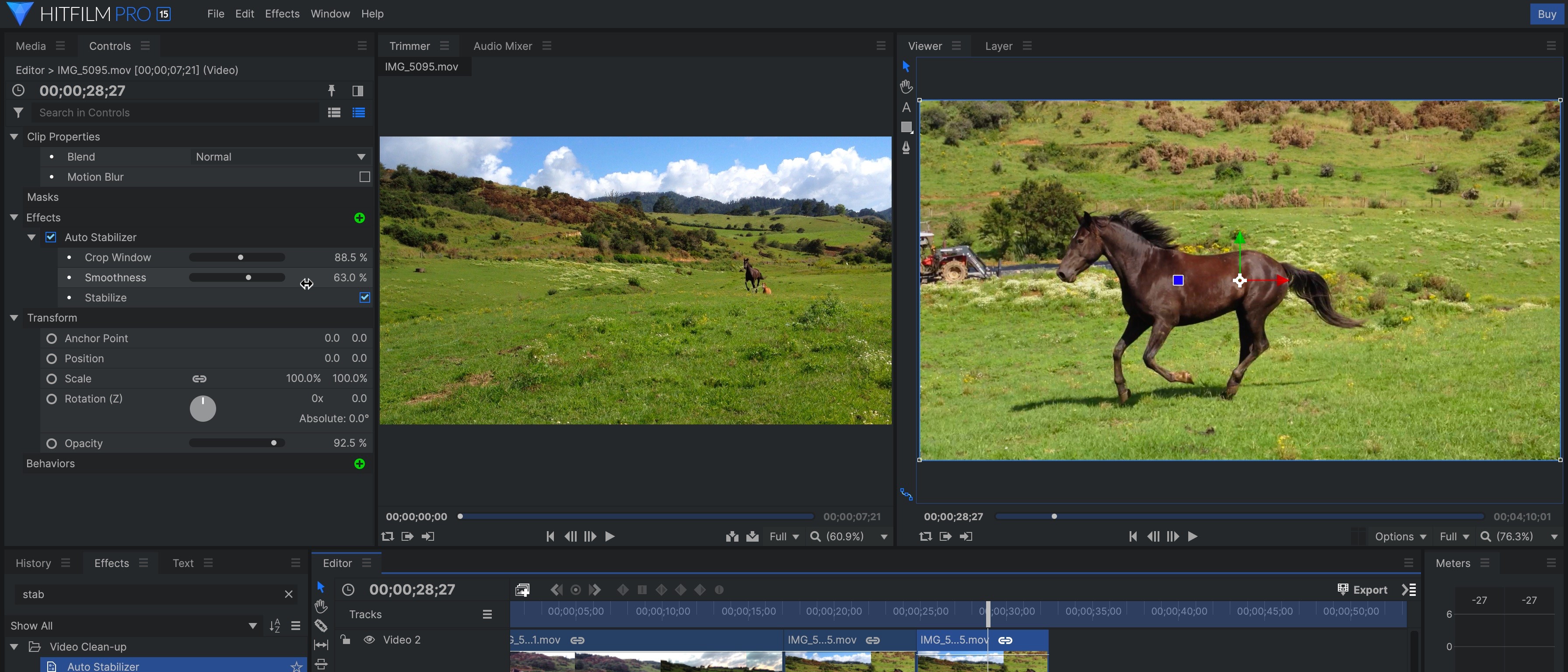
HitFilm Pro: HitFilm Pro is a professional video editing software that's perfect for creating high-quality videos. With HitFilm Pro, you can create stunning visual effects, color grading, and audio editing. The software also offers a range of templates that you can use to create videos quickly.
HitFilm Pro: HitFilm Pro is a professional-level video editing software that offers advanced features such as visual effects, color grading, and audio editing. It may take some time to learn how to use all the features, but once you do, you can create high-quality videos with stunning effects.
Paid or Free : HitFilm Pro - Paid software with a one-time purchase price.
Tutorial Link : HitFilm Pro - FXhome, the developer of HitFilm Pro, offers tutorials and resources on their website, including beginner tutorials and more advanced courses. You can find these resources here: https://fxhome.com/learning/
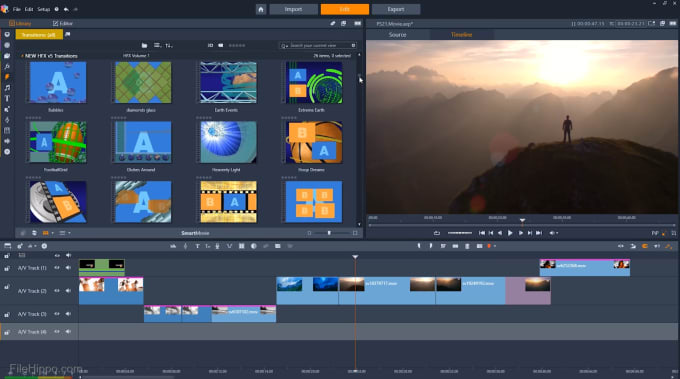
Pinnacle Studio: Pinnacle Studio is a beginner-friendly video editing software that offers a range of features for creating amazing videos. With Pinnacle Studio, you can edit your videos, add music, and apply various effects and filters to make your videos stand out. It also offers a range of templates that you can use to create professional-looking videos in no time.
Pinnacle Studio: Pinnacle Studio is a beginner-friendly video editing software that offers basic features such as video trimming, adding music, and applying various effects and filters. It's perfect for beginners who want to create simple videos without having to learn advanced features.
Paid or Free : Pinnacle Studio - Paid software with a one-time purchase price.
Tutorial Link : Pinnacle Studio - Corel offers a range of tutorials and resources on their website, including beginner tutorials and more advanced courses. You can find these resources here: https://learn.corel.com/pinnacle-studio-tutorials/

Vegas Pro: Vegas Pro is a professional video editing software that's perfect for creating high-quality videos. With Vegas Pro, you can edit videos in 4K resolution and add stunning visual effects, transitions, and color grading. The software also offers a range of templates that you can use to create videos quickly.
Vegas Pro: Vegas Pro is a professional-level video editing software that offers advanced features such as 4K resolution editing, visual effects, and color grading. However, it also has a user-friendly interface that makes it easy to use for beginners.
Paid or Free : Vegas Pro - Paid software with a one-time purchase price.
Tutorial Link : Vegas Pro - Magix, the developer of Vegas Pro, offers a range of tutorials and resources on their website, including beginner tutorials and more advanced courses. You can find these resources here: https://www.magix.com/us/video/vegas-pro/tutorials/
Conclusion: Video software for PC has come a long way in recent years, and there are now many options available to suit different needs and skill levels. Whether you're a professional video editor or a beginner, there's a video software on this list that can help you create amazing videos in 2023. From Adobe Premiere Pro to Vegas Pro, these video editing software offer a range of features that can help take your videos to the next level. So, choose the one that suits you the most and get started on creating amazing videos today!
Some of these video editing software offer free versions with limited features, while others require a one-time purchase or a subscription fee. It's important to consider your budget and the features you need before choosing a video editing software to use.
The video editing software that are more beginner-friendly and easy to use are Filmora, Corel VideoStudio Ultimate, and Pinnacle Studio. On the other hand, Adobe Premiere Pro, Final Cut Pro, CyberLink PowerDirector, DaVinci Resolve, Lightworks, HitFilm Pro, and Vegas Pro are more advanced and suitable for professionals who want to create high-quality videos with advanced features.
There are many tutorials available online that can help you learn how to use these video editing software.
In addition to these resources we described earlier, you can also find tutorials on YouTube and other websites. However, it's important to note that the best way to learn these video editing software is by practicing and experimenting with the software itself. Good luck with your video editing journey!
In addition to these resources we described earlier, you can also find tutorials on YouTube and other websites. However, it's important to note that the best way to learn these video editing software is by practicing and experimenting with the software itself. Good luck with your video editing journey!